A wardrobe of
possibilities.
Keep the designs that catch your eye. Save different directions, revisit a favourite, or download a preview to take the conversation further.
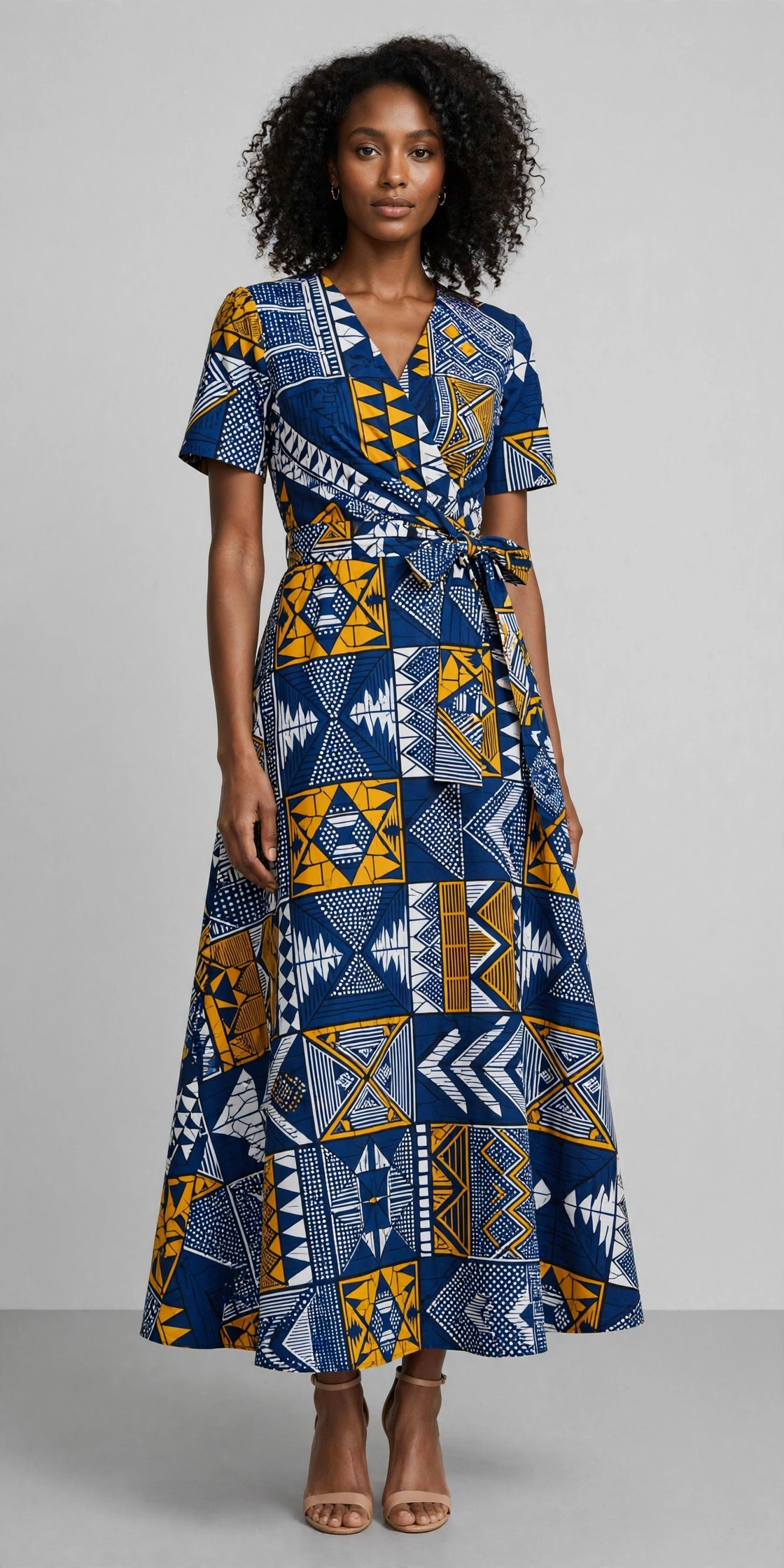
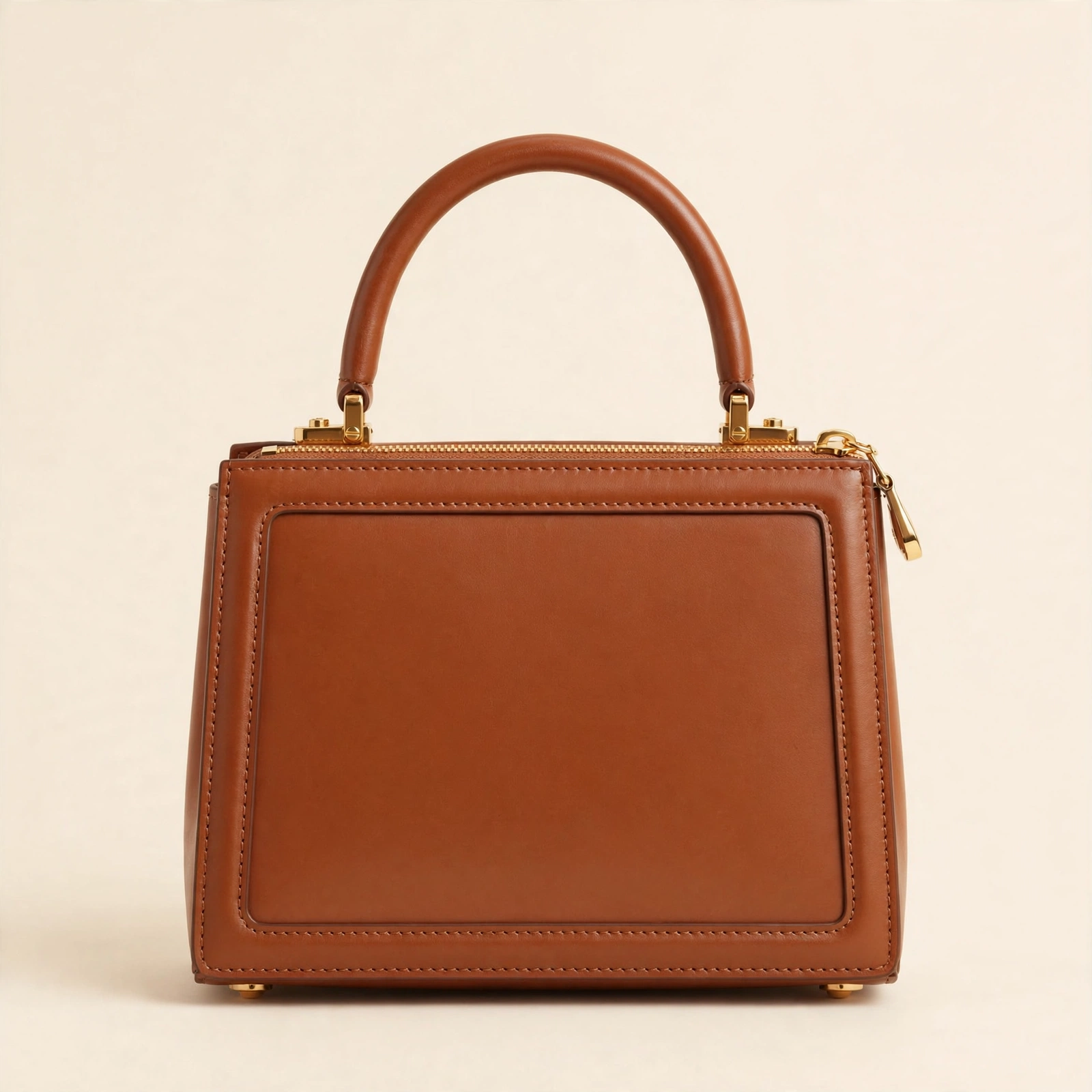
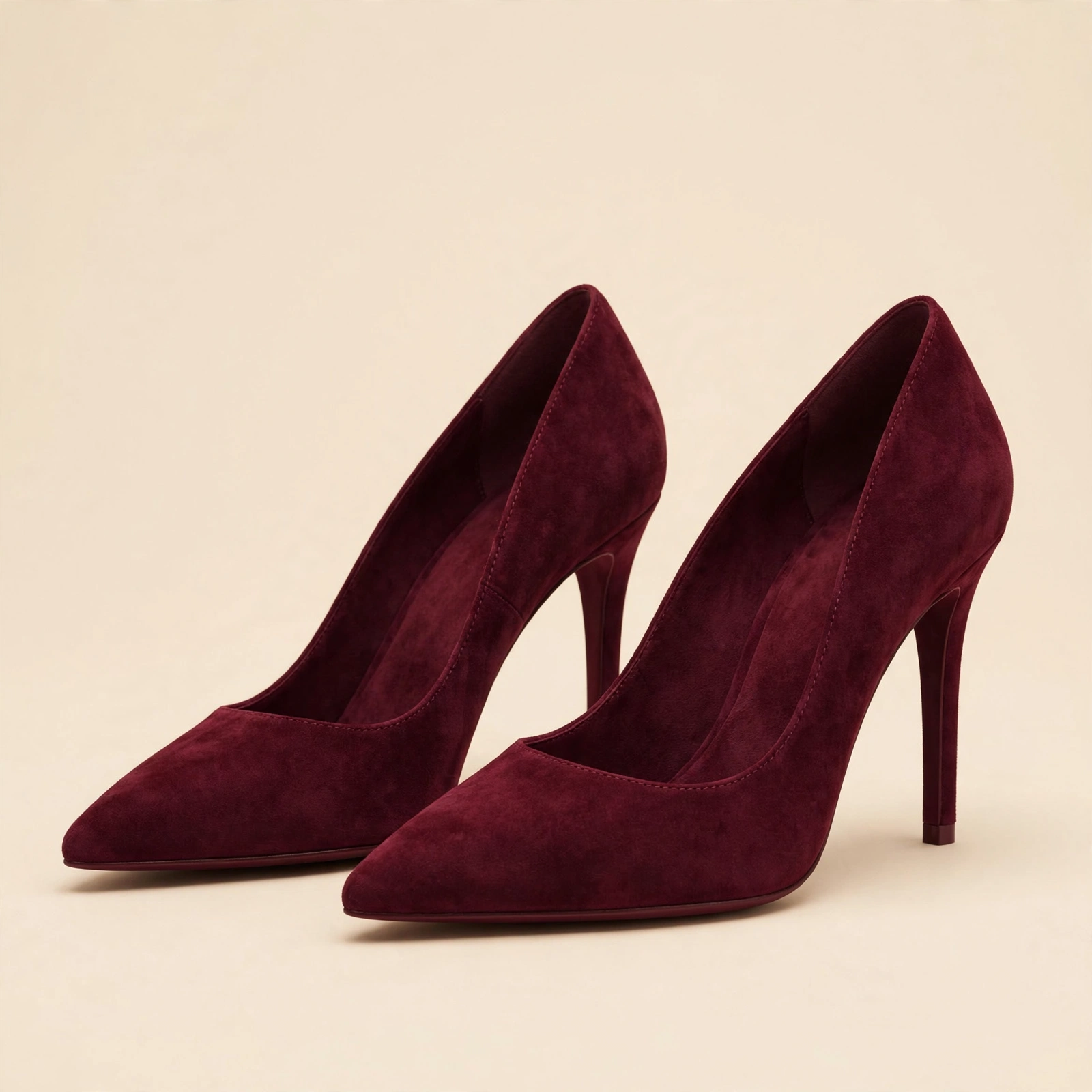
Visit your wardrobeYou saw a fabric and imagined something. Upload a photo of it and see what it could become: an outfit, a bag, a pair of shoes.
Your imagination sets the direction. Fashley brings the possibilities to life.
With Fashley, you get to explore the possibilities before bringing your favourite design to life.
Each item has its own studio. Every preview starts with your material.
No sketchbook needed. Just a material you love and an idea you want to see.
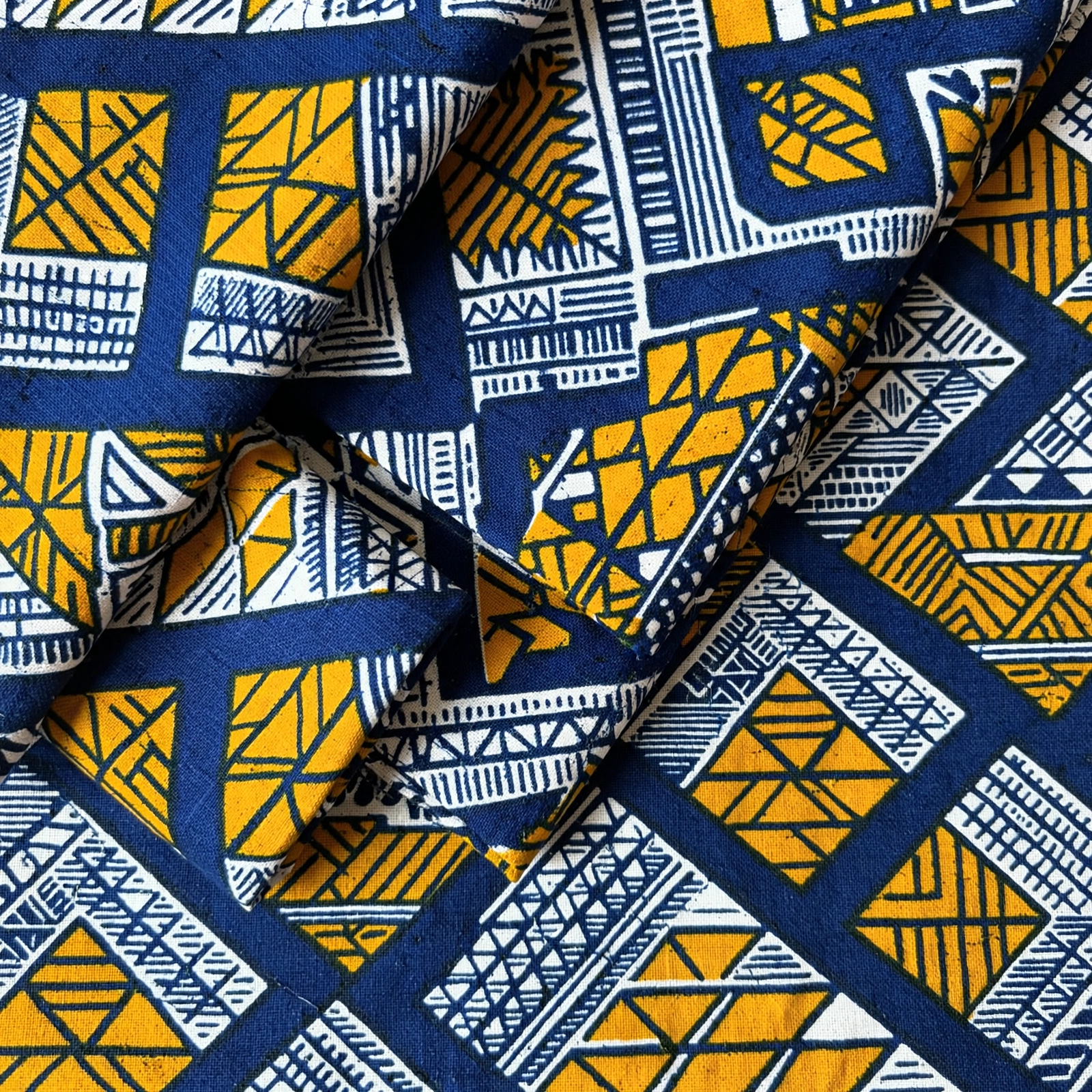
Upload a clear photo of your fabric or material. Let the print, colour and texture lead the way.
Choose an outfit, bag or shoe studio. Pick a category, style and occasion, and add any details you have in mind.
Generate design previews, compare the results, and try a different direction when you want to.
Save your favourites to your wardrobe or download a preview. Your next idea can start where this one leaves off.
Keep the designs that catch your eye. Save different directions, revisit a favourite, or download a preview to take the conversation further.
Visit your wardrobeWhen you’re ready to have an outfit made, prepare a design brief and measurements for tailor review. A clearer starting point for the person bringing it to life.
Prepare a tailor briefA preview is inspiration, not a sewing pattern. Your tailor confirms fabric suitability, construction and fit with you.
Still have a question?
Talk to us
Sign in and upload a clear photo of your fabric or material. Choose the outfit, bag or shoe studio, set your preferences, and select how many previews you want to generate.
No. Fashley generates visual concepts, not physical products or sewing patterns. The examples on this page are illustrative. A maker needs to confirm construction, materials and feasibility before making your design.
Each studio creates one type of item at a time. Use the outfit studio for clothing, the bag studio for bags, and the shoe studio for shoes. You can save the separate results to your wardrobe.
No. Start with the visual idea. If you want an outfit made, you can prepare measurements and a brief for tailor review afterward. Your tailor still needs to check your measurements, fabric and intended fit.
Yes. Save a generated design to your wardrobe while signed in, or download the preview. Your saved designs keep the preferences used to create them.
AI-generated previews are a starting point for discussion. Print placement, texture, colour and construction may differ from the real material. Review the concept with your tailor or maker before committing fabric.